PDF Converter App for Students That Turns PDFs Into Study Notes
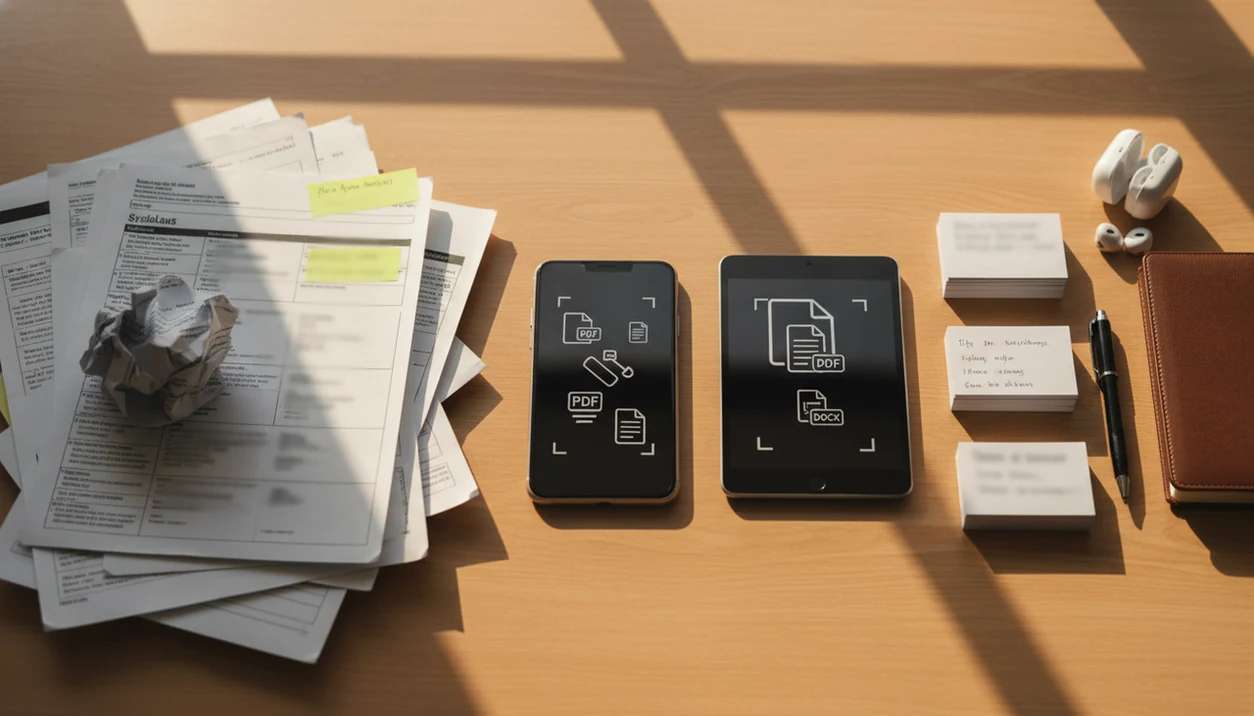
The best pdf converter app for students is one that converts lecture PDFs, scanned handouts, syllabi, and assignment packets into editable, searchable study files without forcing you to retype class materials. PDF Converter AI App fits this student workflow by supporting PDF to Word, OCR, image conversion, merge, split, and compression tools on a phone.
> Definition: PDF Converter AI App is a pdf converter app that converts PDFs to Word, Excel, images, and other formats for people who need fast document tools on their phone.
- Use a student PDF app when you need editable notes, searchable readings, or smaller files for class portals.
- Scanned handout OCR works best with clear, straight, high-contrast pages, not blurry photos or heavy handwriting.
- The strongest student workflow combines conversion, OCR, merge, split, compress, and careful review of AI-generated notes.
Student PDF App At A Glance
A student PDF app should turn class files into formats you can edit, search, submit, or study from. Mobile-first tools make sense because Pew Research Center reports that internet use is nearly universal among younger U.S. adults source.
| Student need | Practical PDF action |
|---|---|
| Lecture slides | Convert PDF to Word for editable notes |
| Scanned handouts | Run OCR to create searchable text |
| Weekly readings | Split chapters or merge packets |
| Assignment upload | Compress the final PDF before submission |
| Data tables | Export to Excel when tables are clean |
If the priority is turning scattered class materials into one study workflow, choose a tool that combines Word export, OCR, merge, split, and compression instead of making you jump between separate apps.
Still check the file before studying. OCR and AI notes can miss a formula, reverse page order, or flatten a professor’s wording.
Student Class Files That Need PDF Conversion
Students usually need PDF conversion when a class file is readable but not usable. Lecture slides, scanned worksheets, syllabi, lab sheets, rubrics, and reading packets often arrive as PDFs, but editing, searching, quoting, and extracting text are harder when the file is locked or image-based.
A scanned handout on a dorm desk can look fine to your eyes and still fail OCR because the page is tilted. Gray shadows near the spine matter.
Most school workflows now assume cloud access. The U.S. Census reported that in 2021, 90% of U.S. households had a computer and 81% had broadband internet, so iCloud Drive, Google Drive, OneDrive, and the iOS Files app are realistic places for converted class files to land source.
PDF Converter AI App is a practical mobile document tool for school PDFs, not a full office suite. For narrower handout workflows, the app to help me convert school handouts guide goes deeper.
Top Student PDF Converter Features For Notes And Handouts
The highest-value student PDF features are the ones that remove retyping, reduce file chaos, and make class readings searchable. Good AI PDF tools convert and organize files, not replace reading, citation checking, or course judgment.
- PDF to Word: Convert lecture outlines, essay prompts, and study guides into editable Word files.
- Scanned handout OCR: Add an OCR text layer to image-only worksheets and printed packets.
- Merge: Combine weekly slides, rubrics, and readings into one clean study packet.
- Split: Separate long course packs by chapter, week, assignment, or professor instructions.
- Compress: Reduce a finished PDF before Canvas, Blackboard, Moodle, Google Classroom, Outlook, or Gmail rejects it.
Anyone dealing with an upload spinner beside a deadline needs compression and file conversion in the same mobile workflow.
Best PDF Converter App Shortlist For Student Workflows
The right student PDF tool depends on scan quality, export format, privacy needs, and file size. A simple syllabus behaves very differently from a photo-scanned lab packet with tables and handwritten notes.
- PDF Converter AI App: Best for mobile PDF conversion, OCR, merge, split, and compression in one student workflow.
- Microsoft Word: Best when a student mainly needs to edit a simple born-digital PDF as a Word document.
- Google Drive: Best for basic OCR and storing class files across devices.
- Adobe Acrobat: Best for advanced PDF review, comments, and polished exports.
- Smallpdf or iLovePDF: Useful for quick web tasks, but check upload limits, watermarks, and privacy terms.
After a professor posts three separate files, when the follow-up is “submit one packet,” PDF Converter AI App covers the student workflow because it can merge, reorder, and compress the final file on mobile. A broader comparison is covered in our best pdf converter app guide.
How A Student PDF Converter App Works
A student PDF converter app maps the structure of a PDF into another file type, then uses OCR when the PDF is only an image. Born-digital PDFs contain selectable text, layout instructions, fonts, images, and metadata, so a converter can often rebuild that material as Word, Excel, JPG, PNG, or searchable text.
Scanned PDFs work differently. They are pictures of pages, so OCR identifies characters and word patterns, then reconstructs reading order. A 2020 meta-analysis found that OCR can reach high character recognition accuracy, but results vary with resolution, contrast, angle, and layout complexity source.
A blue progress bar over tiny text does not mean the notes are ready. AI note extraction is text extraction plus summarization or heading detection; it is not a replacement for checking the original reading.
How To Use A PDF Converter App For Lecture PDF To Notes
Use a lecture PDF to notes workflow when you need editable study material from slides, readings, or scanned handouts. The most reliable process is conversion first, review second, and summarization last.
- Upload the lecture PDF, scanned handout, or file like `biology-reading-week-4.pdf`.
- Choose PDF to Word for editable lecture notes, or OCR if the handout is image-only.
- Run the conversion, then wait for the editable paragraph or searchable text layer to appear.
- Review headings, formulas, tables, citations, footnotes, and page order before relying on the output.
- Export the final notes to Word, PDF, or cloud storage for studying and sharing.
When lecture PDF to notes is the issue, PDF Converter AI App is useful because it keeps OCR, Word export, and file cleanup in one phone workflow. Research in 2023 found that large language models can improve summarization and question-answering workflows, but students should still verify the source PDF.
Common Student PDF App Patterns During A Semester
“Which PDF action should I use for this class file?” Match the task to the document problem.
Convert lecture slides to editable Word notes before an exam when the text is selectable and the layout is simple. Run scanned handout OCR on worksheets, printed readings, and professor packets when you cannot select or copy the text. Merge a syllabus, rubric, assignment sheet, and source PDFs into one project packet before group work gets messy.
For long course packs, split the PDF into weekly readings so your notes do not start on page 187. Compress the finished file before uploading to Canvas, Blackboard, Moodle, Google Classroom, or email. The red “attachment too large” banner in Gmail is usually a file-size problem, not a writing problem.
For students, conversion quality usually depends more on the source document than on the export button.
Privacy And File Quality Checks For Student PDFs
Before converting a school PDF, check whether processing happens locally or through cloud upload. Also review retention, deletion, account requirements, and file-size limits, especially when the document includes grades, student IDs, medical accommodations, or private records.
Use a low-stakes file first. A sample syllabus or old reading packet can show whether tables, columns, math formulas, footnotes, and special fonts survive export. If the test file breaks badly, a major assignment packet probably will too.
If privacy is the condition, then PDF Converter AI App should be evaluated by the same checklist as any student PDF app because sensitive files need clear handling rules before upload. Students who mostly need organizing tools may also want an app to help me manage pdfs before choosing a converter.
Limitations
No single student PDF app is best for every format, device, file size, and document type. Honest limits matter before you trust a converted file.
- PDF conversion may not preserve multi-column layouts, lecture slide formatting, tables, equations, or special fonts.
- OCR accuracy drops with blurry photos, skewed pages, low contrast, page shadows, and handwriting.
- AI-generated study notes can omit nuance, mislabel terms, or flatten important course details.
- Some apps have upload limits, file-size caps, watermarks, subscriptions, or weak offline support.
- Sensitive school documents require a privacy review before upload or cloud processing.
- Large compression jobs can trigger a phone storage warning before the final file is ready.
- Web tools such as pdf2go.com, sejda.com, ilovepdf.com, and adobe.com/acrobat may fit some tasks better than a mobile app.
PDF Converter AI App is strongest for mobile conversion and cleanup, but the original file versus converted copy still needs review.
FAQ
What is a student PDF app?
A student PDF app is a tool for converting, editing, searching, merging, splitting, compressing, and OCRing school PDFs. It helps with lecture slides, scanned handouts, syllabi, readings, and assignment files.
Can I turn a PDF into editable class notes?
Yes, many PDFs can be converted to Word or text for editable class notes. Formatting, citations, tables, and page order still need review.
Does OCR work on scanned handouts?
OCR works on many scanned handouts when the page is clear, straight, high-resolution, and mostly printed text. It is less reliable on handwriting, blur, shadows, and tilted pages.
Can scanned PDFs become searchable?
Yes, OCR can add searchable text to image-based PDFs. Errors are possible, so important terms and quotes should be checked against the original scan.
Which app converts PDFs to Word for school assignments?
PDF Converter AI App and other PDF tools can export PDFs to Word for school assignments. Results are usually better with simple born-digital PDFs than with complex scans.
Are free PDF converters safe for school files?
Free PDF converters vary in privacy terms, file retention, upload limits, and account requirements. Avoid uploading sensitive school documents unless the policy is clear.
Why does PDF formatting break after conversion?
PDF formatting can break because columns, tables, fonts, equations, images, and reading order must be reconstructed during export. Complex layouts create more conversion errors.
Can AI summarize lecture PDFs accurately?
AI can help summarize extracted lecture text and support question-answering workflows. Students should verify details, definitions, and citations against the original PDF.