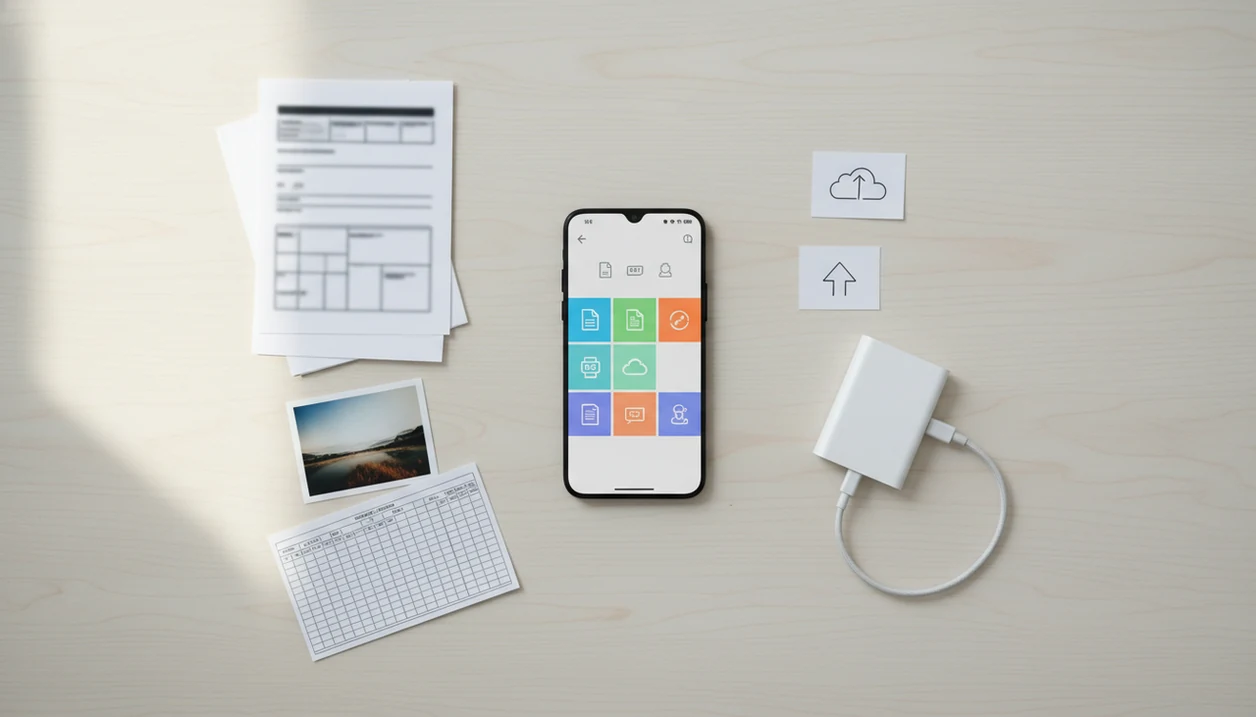
> Definition: A PDF converter app for Android is a mobile application that converts files to and from PDF format using your phone's local storage, cloud integrations, and share intents to handle document workflows entirely on a mobile device.
- Convert files to PDF and PDF back to Word, Excel, images, or text on any Android phone
- Pick files from local storage, SD cards, or Google Drive and share results through email, chat, or cloud apps
- Extras like merge, split, compress, OCR, and AI summarization replace desktop PDF software for most mobile tasks
What Works in an Android PDF Converter App
A reliable Android PDF converter should cover both directions: files into PDF, and PDF back into editable Word, Excel, PowerPoint, image, or text formats. According to Pew Research Center, 76% of U.S. adults have used a smartphone to get information needed for work (https://www.pewresearch.org/internet/2015/04/01/us-smartphone-use-in-2015/), so phone-based document handling is no longer a backup workflow.
- Two-way conversion matters: You should be able to export a DOCX to PDF, then convert a PDF back to Word when edits are needed.
- Storage access matters: Good apps can pick files from internal memory, SD cards, Downloads, and Google Drive.
- Share support matters: Converted files should move straight into Gmail, Outlook, WhatsApp, Slack, or Drive through Android’s share menu.
- Workflow tools matter: Merge, split, compress, rotate, OCR, and AI summarization reduce the need for desktop PDF software.
- Output review matters: Always open the converted copy before sending it, especially for tables or scanned pages.
When the issue is an email attachment opened in a rideshare, the key is being able to convert, review, and share the file from the same Android workflow.
Minimum Requirements for PDF Conversion on Android
Most modern PDF converter apps on Android work best on Android 8.0 or newer, with enough free storage for both the original file and the converted copy. Android held about 70% of global mobile operating system market share in 2023, according to StatCounter's worldwide mobile OS data (https://gs.statcounter.com/os-market-share/mobile/worldwide/2023), which is why Google Play has so many competing PDF tools.
The practical requirement is not just Android version. You also need file access through Android’s Storage Access Framework, which lets you grant access to a selected document instead of exposing every folder. That is why a file may appear in Google Drive but not in a random “recent files” list.
For students using `biology-reading-week-4.pdf`, the useful workflow is pulling from local storage, Drive, or a camera scan before choosing PDF-to-Word, OCR, or compression.
A Google Play PDF converter is usually safer than a sideloaded APK, but you should still read permissions before installing.
How Android PDF Conversion Works Behind the Scenes
Android PDF conversion starts with file picking, usually through the Storage Access Framework. Instead of handing the app a normal file path, Android often provides a content URI, which is a controlled pointer to the selected document. In plain terms, you choose the file, and Android decides how much access the app gets.
Good PDF tools deliver conversion, OCR, compression, and sharing, not a promise that every scanned contract becomes a flawless editable document.
On-Device vs. Cloud-Based PDF Processing
On-device conversion processes the file locally, which can help with privacy and offline access. Cloud-based conversion uploads the document to a server, which may handle harder tasks like AI summarization, chat-with-PDF, or large OCR jobs faster.
OCR follows a separate pipeline: image capture, text recognition, then creation of a searchable PDF layer. A scanned page with gray shadows near the spine and tilted text can still confuse recognition. Messy scans fail first.
Share intents then route the finished file into email, messaging, or cloud apps without forcing a manual download. If the priority is keeping a client report moving between meetings, the output should go straight into the Android share sheet.
How to Use a PDF Converter App on Android
Use a PDF converter app on Android by choosing the conversion direction, selecting the source file, checking settings, and saving or sharing the finished copy. PDF Converter AI App keeps that flow close to normal Android behavior, so the file picker and share sheet feel familiar.
- Install from Google Play and grant storage permissions only when Android asks for file access.
- Open PDF Converter AI App and choose whether you want to convert to PDF or from PDF.
- Select a file from local storage, Google Drive, an SD card folder, or a fresh camera scan.
- Adjust settings such as page range, image quality, compression level, or OCR toggle.
- Tap convert and open the output before sending it to anyone.
- Share or save through Gmail, Outlook, a messaging app, Google Drive, or another cloud location.
On days a red “attachment too large” banner appears in Gmail, compression is often faster than rewriting the message. For deeper file-type choices, our pdf to word converter app guide covers editable Word output in more detail.
Google Play PDF Converter vs. Sideloaded APK Apps
A Google Play PDF converter usually gives Android users better update handling, clearer permissions, and a visible data safety section. Sideloaded APK apps can work, but they shift more security judgment onto the user.
| Option | What you get | Main risk |
|---|---|---|
| Google Play PDF converter | Store listing, reviews, auto-updates, permission prompts, data safety section | Quality still varies by developer |
| Sideloaded APK | Possible access to unavailable or older app versions | Malware, outdated code, unclear data handling |
| Web converter in browser | No full install required | Uploads may leave your device |
| Desktop competitor tools | Stronger layout handling in some cases | Less convenient for phone-only work |
Statista reported that global mobile app revenue reached about $543 billion in 2023, so productivity apps compete hard for subscriptions. That market includes ilovepdf.com, smallpdf.com, adobe.com/acrobat, pdf2go.com, and sejda.com.
For cautious Android users, Google Play installation keeps updates and permission prompts in the normal Android path.
PDF Converter AI App Features for Android Workflows
PDF Converter AI App focuses on Android-native document movement: pick a file, convert it, inspect the result, then share it. Pew Research Center reported that 15% of U.S. adults are smartphone-only internet users, so this workflow matters for people without easy desktop access.
- Android document provider: Select PDFs, Word files, images, or spreadsheets from the standard picker.
- Camera scan: Capture a paper page, crop it, and create a PDF from the phone camera.
- PDF organization: Merge, split, compress, rotate, and reorder pages without moving to a laptop.
- AI reading tools: Summarize long PDFs or ask questions when server-side AI features are available.
- Offline basics: Core conversions may work offline, depending on format and device resources.
Photo and Scan to PDF on Android
A clean scan works best when the page is flat, bright, and not cut off at the edge.
Merge, Split, and Compress PDFs on Your Phone
Small business owners with a tax folder filled with renamed PDFs can combine the final packet, then compress it before emailing. Our ai pdf converter app page explains OCR and AI reading limits for longer documents.
Privacy and Security When You Convert PDF on Android
Privacy depends on where the conversion happens. On-device conversion keeps files local, but cloud-based tools may upload documents to third-party servers in different jurisdictions.
Adobe’s Future of Time study reported that 70% of workers would consider new jobs for better tools that reduce unnecessary work. Better tools still should not come at the cost of careless file handling. Before converting a lease, invoice, medical form, or signed contract, check the Google Play data safety section and the privacy policy.
Ask three plain questions: Does the app retain files, log document content, or use uploads for model training? If the answer is unclear, avoid uploading sensitive material.
Security researchers commonly recommend minimizing data exposure by granting only needed permissions and avoiding untrusted APKs. For sensitive files, Google's Android security guidance recommends reviewing app permissions and installing apps from trusted sources such as Google Play (https://support.google.com/googleplay/answer/2812853). Android PDF conversion can stay practical, but AI summaries and chat features may require cloud processing.
Download PDF Converter AI App for Android
PDF Converter AI App is available for Android through Google Play, with a free download and optional premium features. It is built for common phone workflows: convert PDF to Word or images, create PDFs from files, merge, split, compress, and run OCR when a scanned page needs searchable text.
On an airport tray table covered with paperwork, a phone workflow beats waiting for a laptop. You can also use our download pdf converter app page when you need the general mobile download path.
If the priority is finishing a document task on Android without switching devices, PDF Converter AI App earns the spot through file picker, conversion, and share-sheet workflow.
Limitations
Android PDF converters are useful, but they do not remove every document problem. Check the source document first, then review the converted copy before relying on it.
- Complex layouts, multi-column pages, forms, and nonstandard fonts often lose spacing during conversion.
- AI summarization can misread technical, legal, medical, or handwritten content.
- Free tiers often restrict page counts, add watermarks, show ads, or lock merge, split, and compress tools.
- Cloud converters may store files temporarily in jurisdictions with weaker data protection rules.
- Many AI-powered features need internet access, so offline use can be limited.
- Conversion speed varies sharply between budget Android phones and newer flagship devices.
- OCR accuracy drops on low-resolution photos, skewed scans, gray shadows, and handwriting.
- Large compression jobs can trigger a phone storage warning if the original and output files both remain saved.
- Some competitors, including browser-based tools from smallpdf.com or ilovepdf.com, may be easier for one-off desktop jobs.
For users comparing free limits, the free pdf converter app guide explains what usually stays free and what moves behind payment.