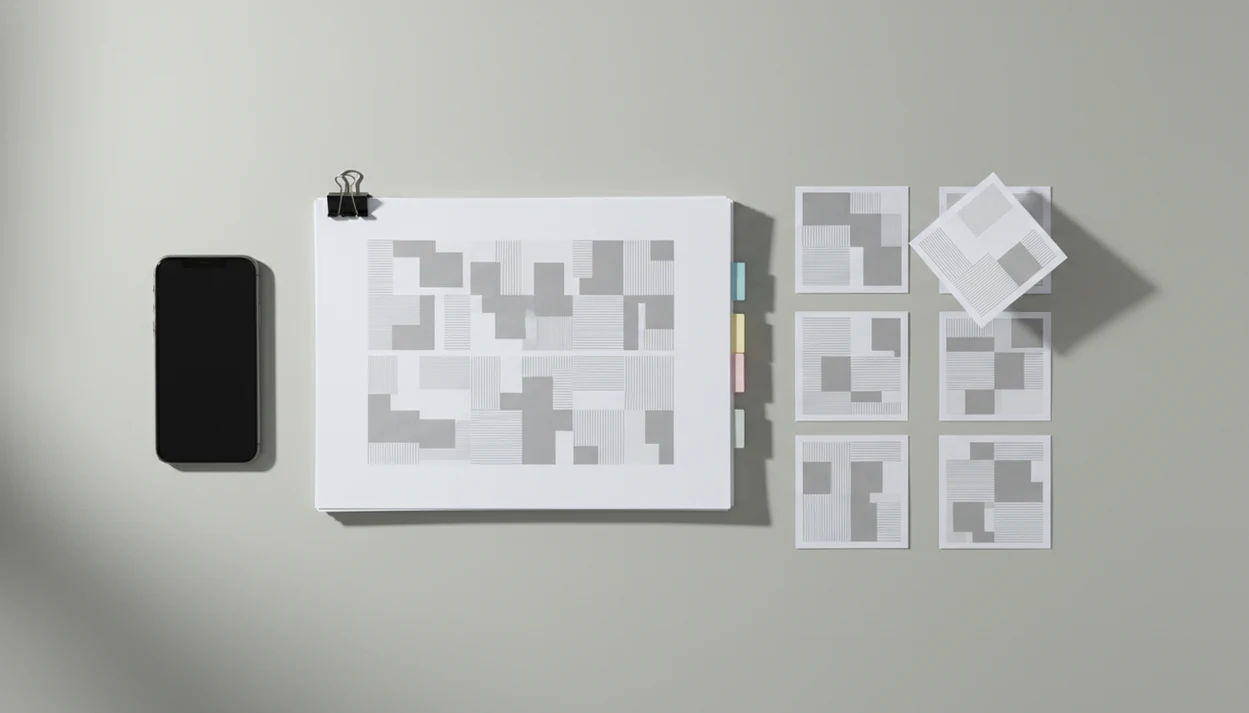
Definition: A reorder PDF pages app is a mobile tool that displays thumbnail previews of every page in a PDF, lets you drag them into a new sequence, and saves the reorganized file as a clean, correctly ordered document packet.
- Drag-and-drop thumbnails let you rearrange PDF pages on iPhone or Android in seconds.
- Combine page reordering with AI conversion to Word, Excel, or images for cleaner output.
- Local-first processing is better for sensitive packets like legal forms, medical records, and payroll files.
How a Reorder PDF Pages App Works Behind the Scenes
A reorder PDF pages app changes page order by updating PDF page references, not by rebuilding every page image from scratch. That is why moving page 12 before page 3 should not reduce text or image quality by itself.
- PDF files store pages in a page tree, where page objects reference their own content streams independently.
- Reordering usually updates the page tree index, so the original content streams stay intact.
- Mobile thumbnail grids use low-resolution previews, which makes drag-and-drop faster than opening each page fully.
- Local processing can keep confidential packets on the phone, but very large PDFs may feel slower.
- Cloud processing can be faster for huge files, but it requires uploading the document to a remote server.
A scanned page with gray shadows near the spine may still look messy after moving it. Page order is fixed; scan quality is not.
How to Rearrange PDF Pages in PDF Converter AI App
You rearrange PDF pages in PDF Converter AI App by opening the file, switching to thumbnails, dragging pages into position, and saving a reorganized copy. The original file versus converted copy distinction matters, especially when the first file is named something like `LeaseAddendumFinal.pdf`.
- Open the PDF from the iOS Files app, camera scan, Google Drive, iCloud Drive, or OneDrive.
- View thumbnails by switching to the page-grid view, where every page has a visible number.
- Drag pages by tapping, holding, and moving thumbnails into the correct order.
- Delete or rotate pages to remove blank scans or fix sideways landscape pages.
- Save or export the reorganized PDF, then share it, compress it, or convert selected pages.
For mobile packet cleanup, the strongest workflow is one where page reorder, export, split, and compression stay in the same place.
What PDF Converter AI App Does for Reordering PDF Pages
PDF Converter AI App gives you a visual page-order workspace for turning a messy PDF into a clean packet. It shows each page as a thumbnail before you move anything, so you can spot the cover page, signature page, duplicate scan, or sideways form before saving.
- Preview the full document in a thumbnail grid with page numbers, instead of guessing from file names or tiny viewer controls.
- Move one page at a time, or select a group of pages and place that section where it belongs.
- Rotate sideways scans and delete blank, duplicate, or damaged pages before exporting the final PDF.
- Save the reordered packet as a PDF, or keep working with split, merge, compress, or convert tools when the document still needs cleanup.
- Remember that reordering changes sequence only. It does not sharpen a blurry scan, repair shadows, or make OCR more accurate on hard-to-read text.
That distinction matters when a packet looks disorganized and poorly scanned at the same time. Page order can be fixed in the reorder view; scan quality and OCR need separate cleanup.
When to Use a PDF Page Reorder Tool for Document Packets
Use a PDF page reorder tool when the order of a packet affects review, approval, filing, or signature. Adobe reported that 83% of office workers use PDFs regularly at work, so packet order is not a niche problem source.
Real estate packets often need seller disclosures, inspection reports, and title documents in lender-required order. Legal filings may combine contracts, exhibits, and signature pages before e-filing. Medical packets can include intake forms, lab results, and imaging reports for a specialist. Academic submissions may stack transcripts, recommendation letters, and personal statements.
Open house flyers beside legal forms are easy to mix up after a rushed scan. PDF Converter AI App fits that cleanup moment because you can move pdf pages before sending one organized packet.
PDF Converter AI App Page Reorder Workspace
PDF Converter AI App uses a thumbnail grid with page numbers, multi-select movement, inline rotate, and inline delete inside the reorder view. In 2023, 85.6% of the global population owned a smartphone, according to ITU data, which makes mobile-first document cleanup a practical default source.
The page grid helps when two pages look similar, such as duplicate ID photos merged into one packet. Multi-select is useful for moving a whole exhibit section at once. Inline rotate fixes sideways scans before export. After the order looks right, one tap can convert the packet to Word, Excel, or images.
If the issue is a packet that keeps changing before upload, keep the page grid, rotate control, and export button in one workspace so the final reorder does not become a laptop handoff.
Organize a PDF Packet with AI Conversion After Reordering
Reorder first, then convert. Clean page order gives AI conversion a better structure before exporting selected page ranges to Word for edits or Excel for table extraction.
PDF Converter AI App supports that packet-level workflow: rearrange pdf pages, remove blanks, then convert only the section that needs editing. AI OCR can add a text layer to scanned pages, though it works best when the scan is clear and the text is not tilted. Good ai pdf converter app workflows deliver conversion plus merge, split, compress, and reorder tools, not a promise that every scan becomes a flawless editable Word file.
Competitors such as ilovepdf.com and smallpdf.com cover quick browser tasks, but they often separate reorder from deeper conversion steps. For scanned packets, the scanned pdf ocr app workflow is often the next step after ordering pages.
Reorder PDF Pages App vs Free Online Rearrange Tools
A dedicated mobile reorder PDF pages app is usually better for confidential packets, offline work, and multi-step editing. Free online rearrange tools can be useful, but many require uploading the PDF before thumbnails appear.
| Option | Privacy | Offline access | Packet features | Good fit |
|---|---|---|---|---|
| PDF Converter AI App | Local-first workflow for sensitive files | Yes, for supported local tasks | Reorder, rotate, delete, merge, split, convert, compress | Legal, medical, financial, business packets |
| ilovepdf.com | Browser upload may be required | No | Good quick web tools | Non-sensitive simple files |
| adobe.com/acrobat | Strong PDF ecosystem, account features vary | Depends on product | Deep PDF editing | Desktop-heavy workflows |
| sejda.com | Browser-based processing options vary | No | Useful web editing tools | Occasional online edits |
Pew found that 46% of U.S. adults say they could not live without their smartphone source. When the issue is the red “attachment too large” banner in Gmail or Outlook, pairing reorder with a compress pdf app is often faster than moving the file to a laptop.
Privacy Checks When You Move PDF Pages on Mobile
Privacy depends on where the PDF is processed. On-device processing keeps the file on the phone for the edit, while cloud-based processing sends the document to a server before saving the changed version.
Check the privacy policy, data retention language, encryption claims, and whether uploads are required. Legal filings, medical records, payroll reports, tax documents, and bank statements deserve extra caution. A downloaded PDF saved to a cloud folder may already be synced, so also check iCloud Drive, Google Drive, or OneDrive settings.
For confidential packets, prefer a local-first page reorder workflow and confirm whether the file leaves the device before you save or share it.
Related PDF Converter AI App Features for Document Packets
PDF Converter AI App works best for packets when reorder is used with nearby file tools. Most packet problems are not only page-order problems.
- Merge PDF: Use a merge pdf app to combine separate forms, reports, and scans before reordering.
- Split PDF: Use a split pdf app to extract page ranges after the final order is set.
- Compress PDF: Reduce file size after organizing pages, especially before portal upload.
- Convert PDF: Export the cleaned packet to Word, Excel, JPG, or PNG when editing or extraction is needed.
Students trying to organize lecture slides glowing in a dark room can reorder first, then export only the useful pages into study notes.
Limitations
Page reordering is useful, but it does not solve every PDF problem. Test the exported file before sending it to a court portal, lender, school, or client.
- Very large PDFs with hundreds of pages can lag or crash during thumbnail rendering on mobile.
- Reordering does not fix accessibility issues such as missing tags, reading-order metadata, or alt text.
- Bookmarks, internal links, and form fields may not update correctly across different PDF viewers.
- AI conversion after reorder can still misread complex tables, handwriting, stamps, or mixed layouts.
- Some apps silently upload files to servers even when marketed as offline tools.
- Cross-platform fidelity varies; a packet reorganized in one app may display differently in Acrobat, Preview, or a browser viewer.
- Password-protected files may need unlocking before pages can be moved.
One practical habit helps: export a copy, then open it in another viewer before sending.