> Definition: A PDF to Word app is a mobile or desktop application you install to convert PDF files into editable DOCX documents, typically using OCR and AI to preserve text, fonts, tables, and layout.
At-A-Glance: 6 Checks Before You Download A PDF To Word App
Before you install a PDF to Word app, check conversion quality, privacy behavior, and usage limits. A clean app-store page matters less than what happens after you tap Convert.
- OCR quality: Scanned PDFs need OCR that can read tilted text, faint stamps, and gray shadows near the spine.
- DOCX fidelity: A good converter keeps paragraphs, lists, tables, and headers editable, not pasted as flat images.
- Processing location: Offline or on-device conversion reduces exposure for contracts, invoices, and medical forms.
- Limits: Free plans often cap file size, page count, or daily exports right when the final file is attached to an email.
- Pricing: Check whether DOCX export, OCR, or batch conversion sits behind a subscription.
- Format range: A broader workflow is stronger if you also need Excel, JPG, PNG, merge, split, and compress tools in the same workflow.
One install should solve the actual document problem, not create five new icons on your share sheet.
What A PDF To Word App Does
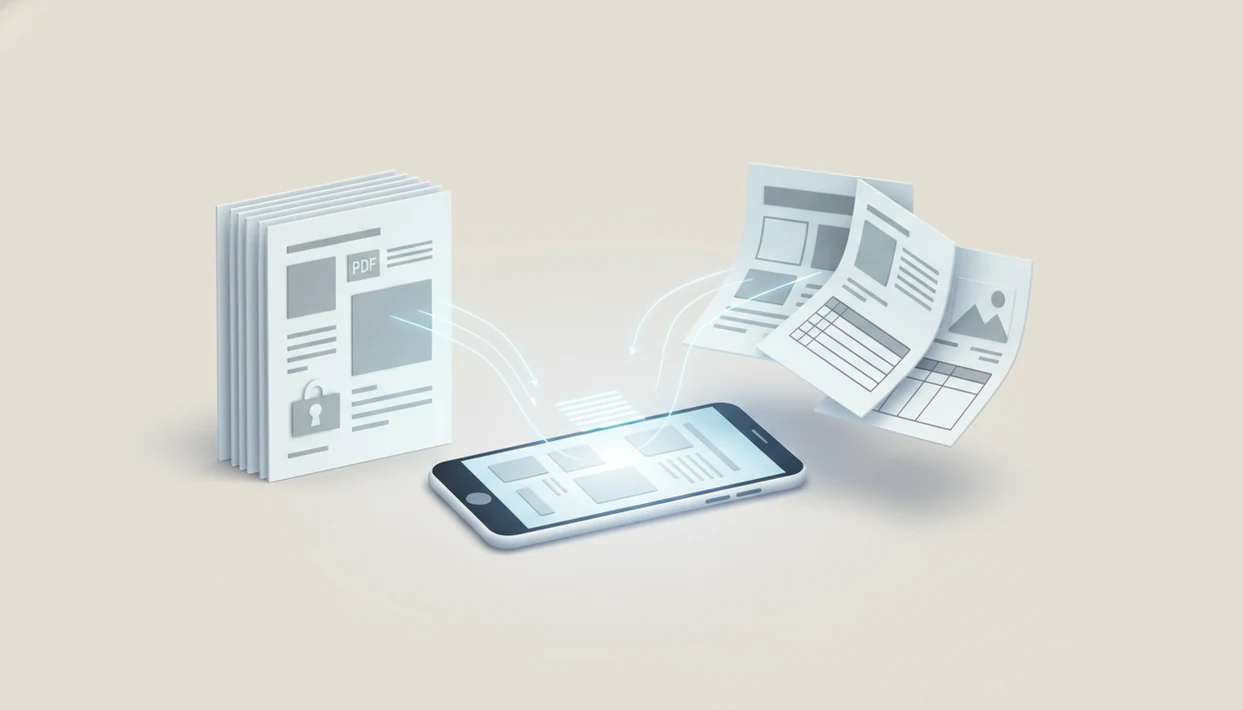
A PDF to Word app turns fixed PDF pages into editable DOCX files you can open in Microsoft Word or another word processor. Its job is to recover usable text and structure, not just make a new file that looks like the old one.
In a normal mobile workflow, the app handles the conversion, then gives you follow-up options for sharing or cleaning up the document:
- Import a text PDF, scanned page, camera photo, or image-only PDF from your phone, cloud drive, or share sheet.
- Run OCR when the file is a scan, so printed words become selectable and editable instead of staying locked inside a picture.
- Rebuild the document as DOCX while trying to keep paragraphs, bullets, numbered lists, tables, headers, and basic page structure intact.
- Edit the Word file, then export it, share it, compress it, split it, or convert it back to PDF when the changes are finished.
- Check privacy terms, upload behavior, file-size caps, page-count limits, watermark rules, and subscription gates before trusting it with deadline work.
The best apps make those limits visible before you waste a conversion.
5 PDF To Word Apps Worth Installing In 2026
The most useful PDF to Word apps in 2025 combine editable DOCX export with clear limits and predictable file handling. Here is the practical shortlist.
- PDF Converter AI App: Strong for mobile users who want PDF to Word, OCR, Excel, images, merge, split, and compress in one place; the trade-off is that an all-in-one app may feel broader than a single-task converter.
- Adobe Acrobat Reader: Familiar and capable for cloud-based conversion; the trade-off is heavier subscription pressure for advanced export features.
- Microsoft Word: Useful for opening simple PDFs as editable Word files; the trade-off is weak handling of complex layouts.
- iLovePDF: Popular for web-first PDF tasks with a companion app; the trade-off is that many workflows depend on upload-based processing.
- Smallpdf: Lightweight and easy to try; the trade-off is limited free conversions.
If your phone already holds LeaseAddendumFinal.pdf, the practical win is converting to DOCX, then compressing or splitting the same file without moving apps.
How We Chose The Best PDF To Word Apps
We chose the best PDF to Word apps by testing whether they create editable DOCX files, not just files that look correct at first glance. The ranking favors tools that handle real mobile documents, explain limits clearly, and leave room for follow-up PDF work.
- Test each app with three common file types: a scanned page, a clean text-based PDF, and a table-heavy document with rows, borders, and mixed spacing.
- Open every converted DOCX in Microsoft Word and edit normal paragraph text, because a pretty export is not useful if the text is trapped in images.
- Check whether OCR is included, whether watermarks appear, and where free plans stop through file-size, page-count, daily-use, or export restrictions.
- Review App Store privacy labels, Google Play data safety notes, and the app’s behavior around uploads, cloud processing, and local file access.
- Compare pricing pressure, one-handed mobile usability, conversion speed, and nearby tools such as compress, merge, split, image export, and Excel conversion.
That mix keeps the list focused on practical document cleanup, not store screenshots or brand familiarity alone.
Mobile DOCX Converter App Selection Criteria
A mobile DOCX converter should be judged on OCR accuracy, layout retention, format breadth, offline capability, privacy policy, file-size caps, watermark behavior, and pricing transparency. Pew Research Center reported that 85% of U.S. adults owned a smartphone in 2021, which is why mobile-first weighting is not a side issue source.
The test is simple. Import a real PDF, convert it, open the DOCX, and edit the middle of a paragraph. If the editable paragraph appears after OCR but the table turns into scattered tabs, you know the limit.
Anyone dealing with recurring school or office files benefits when the same install also covers a word to pdf converter app workflow after edits are finished.
Good AI PDF converter apps deliver editable reuse across Word, Excel, images, merge, split, and compress tasks, not guaranteed perfect formatting from every source file.
PDF To DOCX Conversion Mechanics: OCR, Layout, And Word XML
PDF to DOCX conversion works by translating a fixed-layout PDF into Word’s editable document structure. A PDF is usually a container of text streams, vector paths, raster images, font instructions, and page coordinates.
For scanned files, the app first runs image preprocessing, then character recognition, then text-layer reconstruction. AI layout analysis tries to identify paragraphs, tables, headers, footers, columns, and reading order before mapping those elements into DOCX XML. In plain English, it guesses what the page means, not just where marks sit.
That guess can fail. A two-column handout with side notes may look fine as a PDF but break when Word reflows fixed coordinates into editable text. IDC estimated global data creation could reach 175 zettabytes by 2025, and much of that sits in unstructured formats like PDFs source.
Conversion works best when the source scan is clear, the text is straight, and the user checks the converted copy before sending it.
5 Steps To Download And Use A PDF To Word App
To install pdf to word app software safely, start with the store listing, then test one real document before relying on it for deadlines. Use a file that has tables or signatures, not a blank sample.
- Search your app store for “PDF Converter AI App” or the PDF to Word tool you prefer.
- Install the app and grant only the file-access permissions needed for iCloud Drive, Google Drive, OneDrive, or the iOS Files app.
- Open or import a PDF from device storage, camera scan, or cloud storage.
- Select DOCX as the output format, turn on OCR for scanned PDFs, and tap Convert.
- Review the editable Word file, then share it, save it, or export it back to PDF.
On days a calendar reminder buzzes during export, a single PDF-to-DOCX workflow keeps import, OCR, conversion, and sharing in one sequence.
PDF Converter AI App vs 4 Other PDF To DOCX Download Options
PDF Converter AI App compares well when the goal is fewer installs and broader mobile file handling. Adobe’s 2018 office-worker survey found that 72% of respondents said they would be more productive if document workflows were more integrated and automated source, which matches the appeal of bundled PDF tools.
| Option | Format range | OCR | Offline mode | Pricing | Privacy trade-off |
|---|---|---|---|---|---|
| PDF Converter AI App | Word, Excel, images, merge, split, compress | Yes | Varies by task | App-based tiers | Fewer tool handoffs |
| Adobe Acrobat Reader | Broad PDF tools | Yes | Limited by plan/task | Subscription-heavy | Cloud account workflow |
| iLovePDF | Many web PDF tools | Yes | Limited | Freemium | Uploads common by default |
| Microsoft Word | PDF open to DOCX | Basic | Yes for local files | Microsoft plan/app | Better for simple PDFs |
| Smallpdf | Core PDF utilities | Yes | Limited | Freemium | Free caps apply |
When file cleanup is the issue, one mobile toolset can handle DOCX export and follow-up tasks like a merge pdf app workflow.
Privacy And Offline Processing Risks In PDF To Word Apps
Does a PDF to Word app upload your file to the cloud? Many free converters do by default, and that matters for legal packets, health forms, invoices, and HR documents.
Local or on-device processing is usually safer for sensitive files because the document does not need to leave the phone for conversion. Still, privacy depends on the specific app, task, and policy. Check App Store privacy labels or Google Play data safety details before installing. Also read whether files are retained after processing.
The U.S. Bureau of Labor Statistics noted that about 62% of employed people did some or all of their work away from the workplace on remote-work days in 2022 source. That means contract pages may load on cellular data from a car, airport, or home office, not a managed company network.
For GDPR or HIPAA-adjacent files, avoid casual upload tools unless your organization has approved them. No converter should be treated as legal compliance by default.
Common PDF To Word App Drawbacks
PDF to Word apps save retyping time, but they still need review. Complex tables, multi-column newsletters, embedded charts, and unusual fonts often require manual cleanup after conversion.
Poor scans are the usual failure point. If the page is low-DPI, photographed at an angle, or shadowed near the binding, OCR may produce garbled words or broken lines. Handwriting is worse.
Free tiers can also interrupt a real task. Some apps restrict file size, page count, daily conversions, or batch export. Others add watermarks unless you pay. The red “attachment too large” banner in Gmail or Outlook is not fixed if the app blocks compression behind an upgrade.
For simple contracts and forms, a combined workflow usually needs less app switching than separate DOCX, excel to pdf converter app, and compression tools because the common file actions sit together.
Limitations
No PDF to DOCX download option guarantees exact output. The original file and the converted copy should always be compared before you send or sign anything.
- Highly designed PDFs, including brochures, flyers, and infographics, often lose spacing or image placement in DOCX.
- Handwritten notes and low-DPI scanned pages can defeat OCR engines, even when the page looks readable to a person.
- Free apps often cap files around 5 to 10 MB or 20 to 50 pages, depending on the provider.
- Cloud-dependent converters may fail without internet and may expose sensitive files to upload-based processing.
- All-in-one apps can have larger install sizes than single-purpose tools.
- Password-protected PDFs may require the password before conversion, and some locked files cannot be exported.
- A bad conversion creates extra review work; McKinsey has reported that knowledge workers spend about 19% of their time searching for and gathering information source.
Students looking for biology-reading-week-4.pdf cleanup may also need a photo to pdf scanner app before OCR works well.